Photo-Take-Outter Friday #3 – The Magic of the Lightbox

Today I wanted to talk a little about product photography and how I get even lighting on my shots. For an example I’ll use a piece of pottery.

product photography tutorial

Here is a photo of one of my pitchers. Pottery is very hard to shoot because it’s shiny & colourful. Any picture of my pottery doesn’t do it justice if there are sharp, bright highlights and the colours can’t shine. So first I fix the lighting issue by aiming 2 stand lamps at it.

Starting to look better but there are 3 huge problems with it.

  1. The background is distracting
  2. The shadow of the handle is harsh
  3. The highlights are too sharp and bright

Now I add the lightbox, to soften up the light and neutralize the background. My set up now looks like this.

product photography tutorial

The result is a shot that looks like this:

Definitely looking better! Now, the background is still not neutral enough for me so I’m going to insert a sheet of neutral grey fabric that will drape over the top of my lightbox and over the edge of the table. Then I place my pottery on the fabric, and my set up now looks like this:

product photography tutorial

Taking a shot gives me this:

product photography tutorial

Perfect! And that’s how you use a lightbox to improve your product photography. Here is a before and after.

product photography tutorial

You can get really creative from here and start adding different fabrics and papers into the background:

product photography tutorial

I’ve used this technique on the cheap too – you don’t need expensive equipment to start with. Here is my first ever set up:

product photography tutorial

I’m using a cardboard box with the sides and top cut out. Over the cut outs I’ve taped on some of that stuff that your electronics come packaged in, but you can use tracing paper or crepe paper. The sides are reinforced with packing tape. To light it, I’m using my livingroom window on one side, and an ikea stand lamp on the other side, the results were still lovely:

product photography tutorial

And that’s it! If you’re new to lightboxes and you decide to try them out I’d love to see a shot, and remember – you can get started without having to buy anything up front!

The Hunt for Winter

This is the winter that wasn’t. At least, here in TO it wasn’t. We’re not used to this total lack of winter and last weekend Tito and I drove out in search of ice and snow because, dammit, we miss it. We ended up heading north into Parry Sound – as a bonus the northern lights made a surprise appearance!

We passed a frozen lake covered in skidoo tracks. It reminded me of a cute story my dad told me about coming to Canada in 1972. He had worked in India as a motorcycle repairman, so when he moved to Ottawa he looked for the same kind of work. Finally he got his first job in Canada. He showed up on his first day and they took him to his first job and it was … a skidoo. He stared blankly at it for a few minutes before looking at his boss and saying “What the %@!* is that?”. The story always makes me laugh :)
What a great day for a road trip, the sky was that endless sort of blue that you feel you could fall up into.

At blue hour I took this shot – the 2 bright things in the sky are Venus (the lower one) and Jupiter.

We went northern light hunting at night without much hope of success – but then there they were. I remind myself that sometimes the shot you want happens when you least expect it. They were faint, true, and visible to the camera more than to our eyes, but they were there. This was a 15 minute long exposure.

This was a 20 minute long exposure, and yes we were cold ;) but it was worth it. The angle of everything was so perfect, I was able to get the tilt of the stars and the northern light glow into one shot. Reason enough to stand freezing out in the middle of the night. At least for crazy people. And photographers.

Then we did some star photography. Did I say we? My bad, I meant I. Tito, being more practical than me, was staying warm in the car ;)

What a perfect, clear night it was! This was all done just off the 400, north of a small town called Nobel, on a side road. The night sky was just stunning.

Thank you Tito – for doing all the driving and getting me out of town when I really needed it :) The star photography was just the icing on a really great day !


The Kool-Aid experiment – dying a gradient

Being a designer is tough because it makes you picky. I had experimented with Kool Aid a while back and, while it was fun, I didn’t keep up with it because I had so many ideas in my head and I couldn’t make the yarn match it. I think to really have the skill and control of someone like, say, Tanis, you really have to be a colour expert and dedicate lots of time and energy to it. It’s something I definitely aspire to be better at, but in the meantime Kool Aid is a fun way to get your feet wet!

Dying yarn with Kool Aid

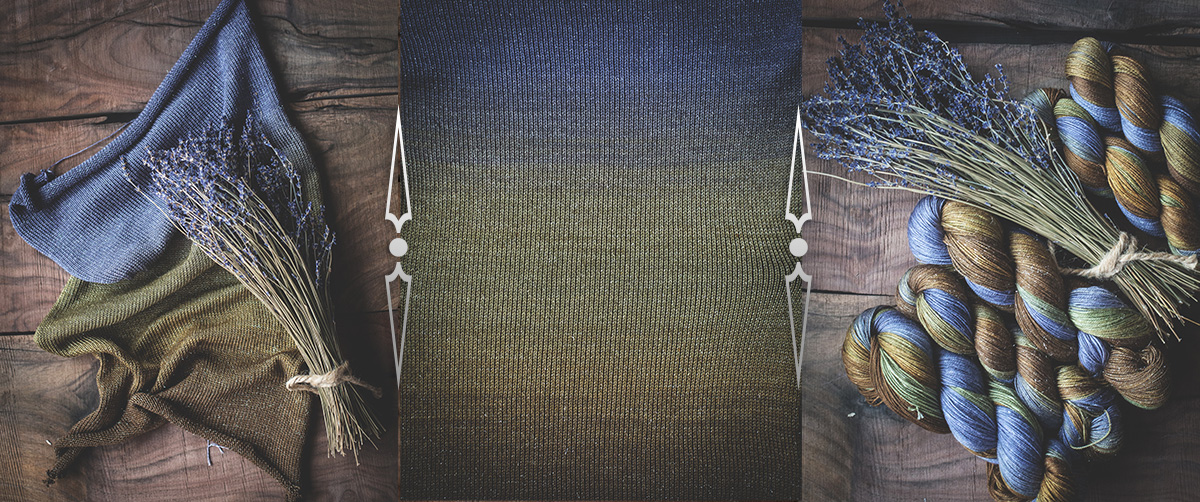
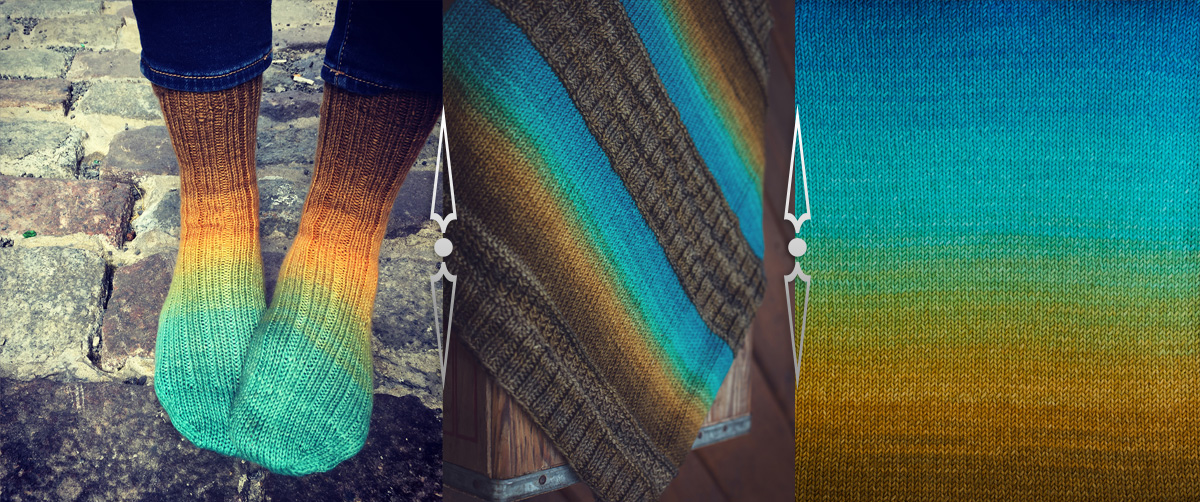
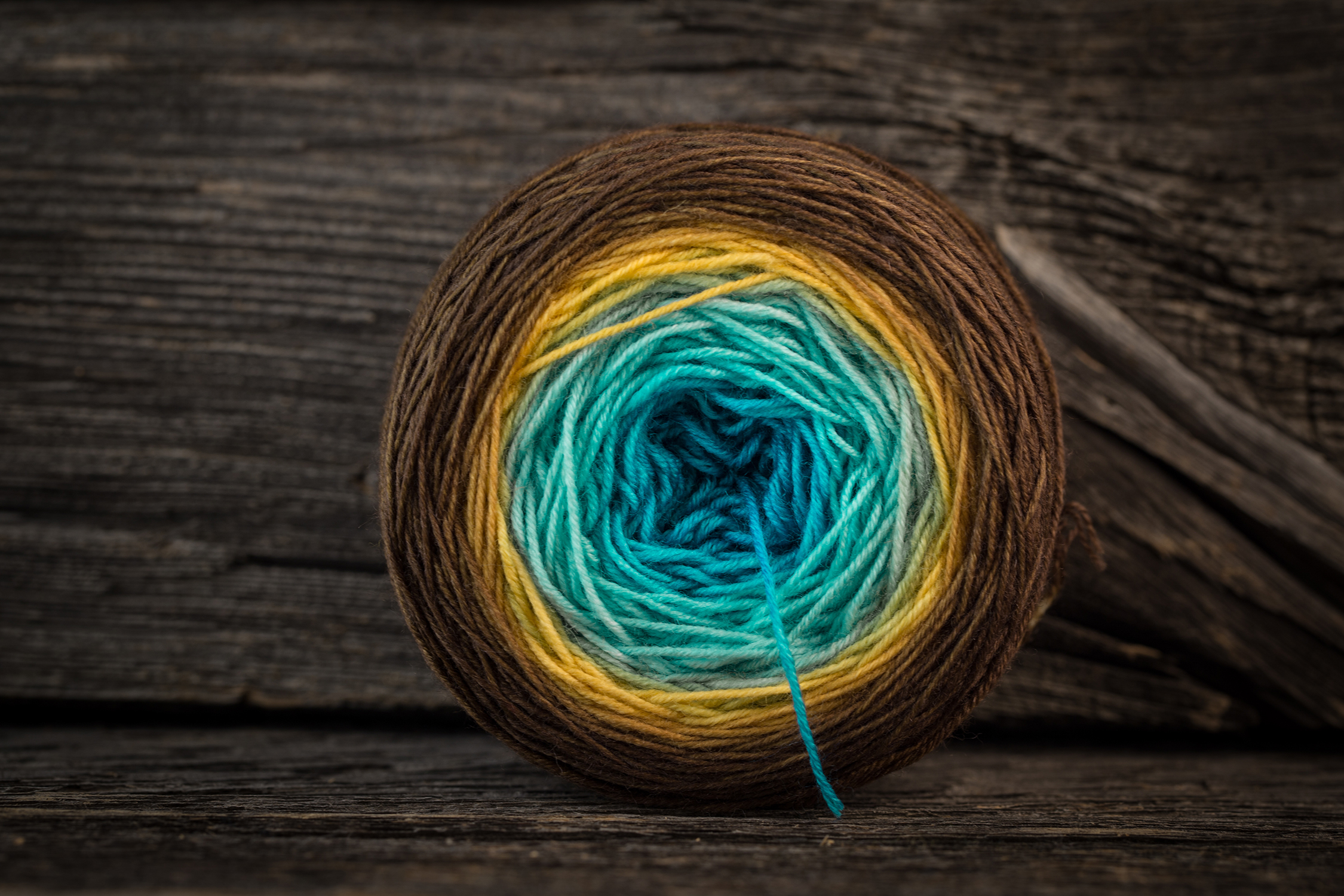
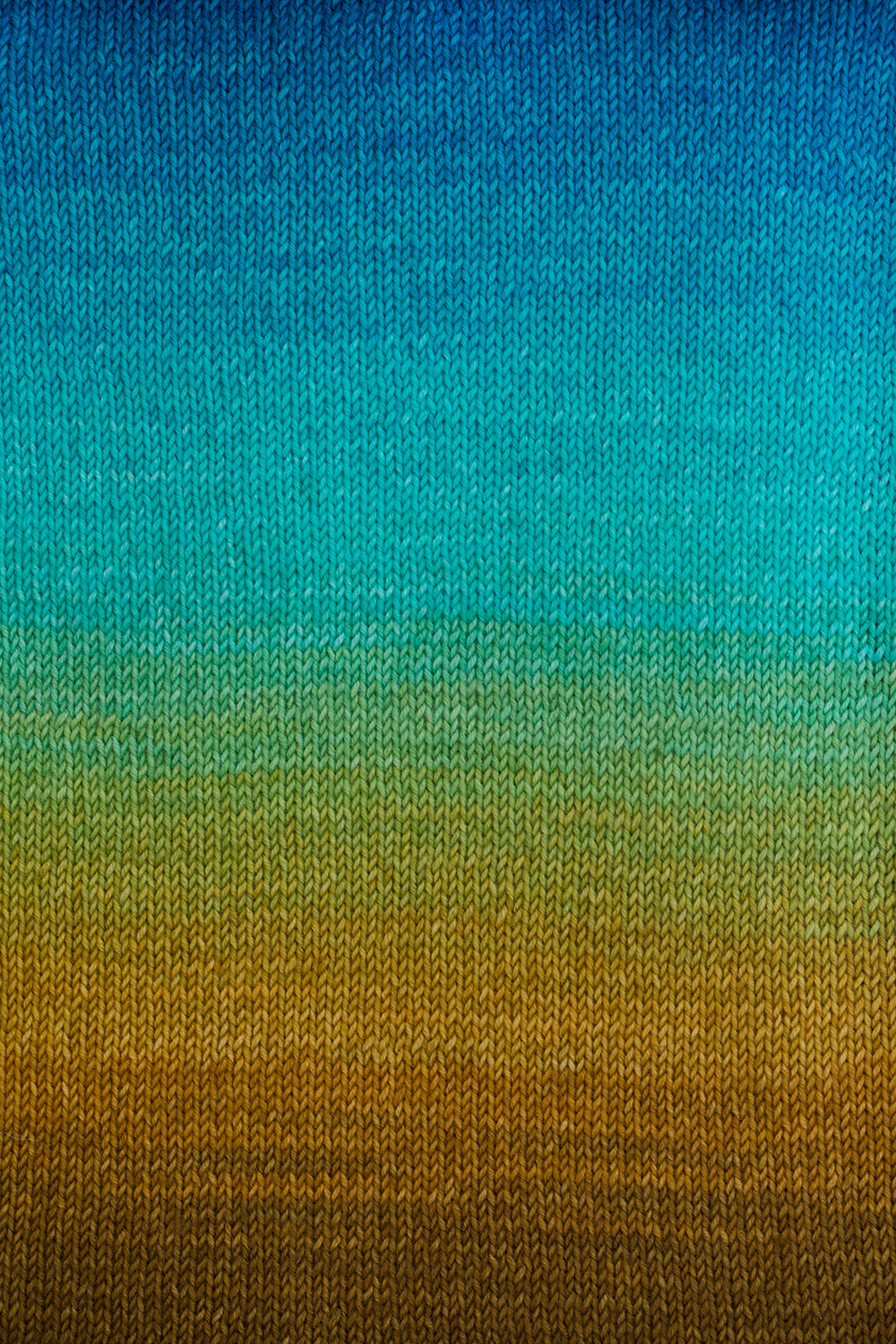
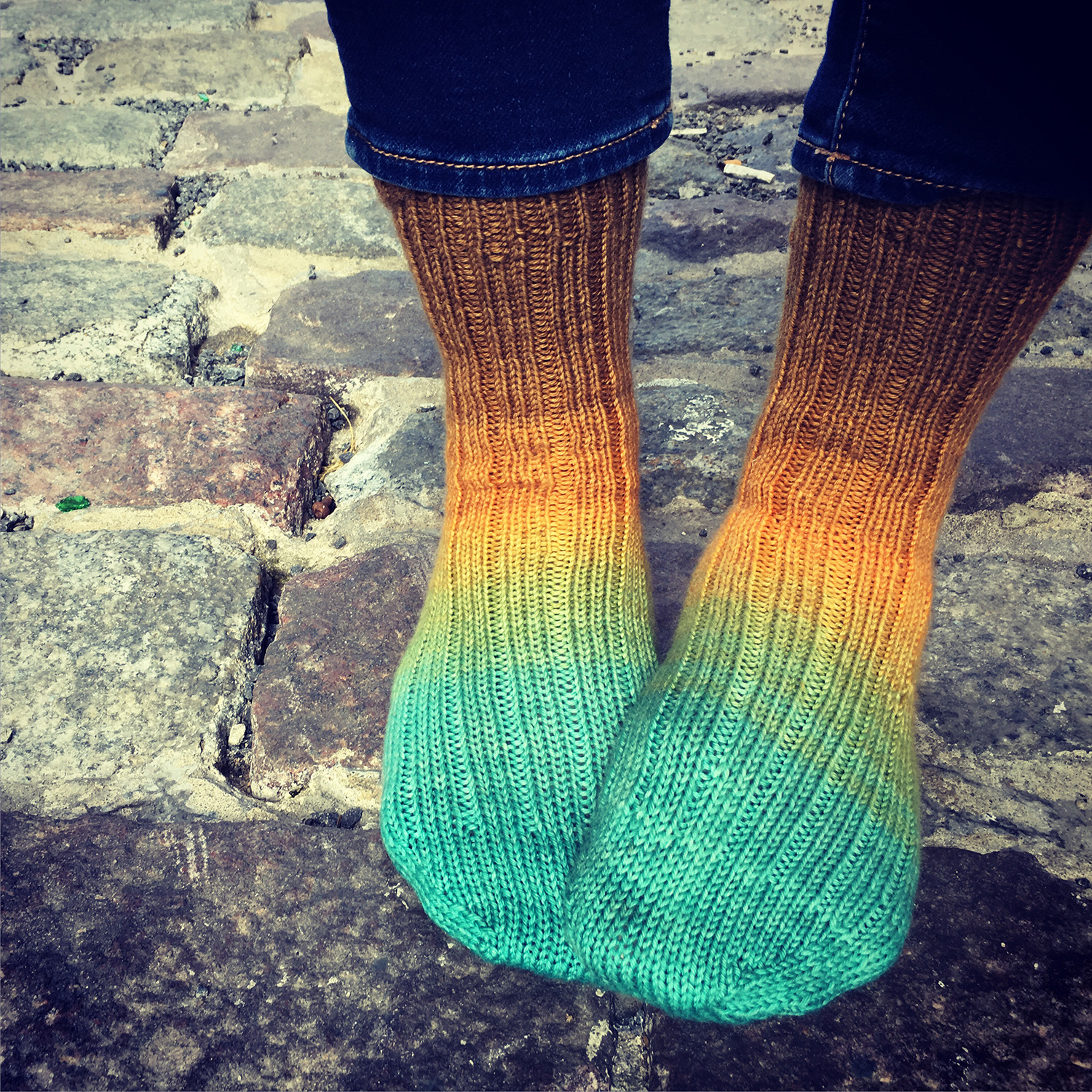
So the challenge I set myself was ‘can I dye a gradient’?. The idea of dying a gradient was inspired by the Little Fair Isle Hat from the Purl Bee. They do a great job with skeins of different colours and I was intrigued by the way the lightest colour just blends into the piece. It turns out it’s very possible to dye a gradient: here’s how I did it.

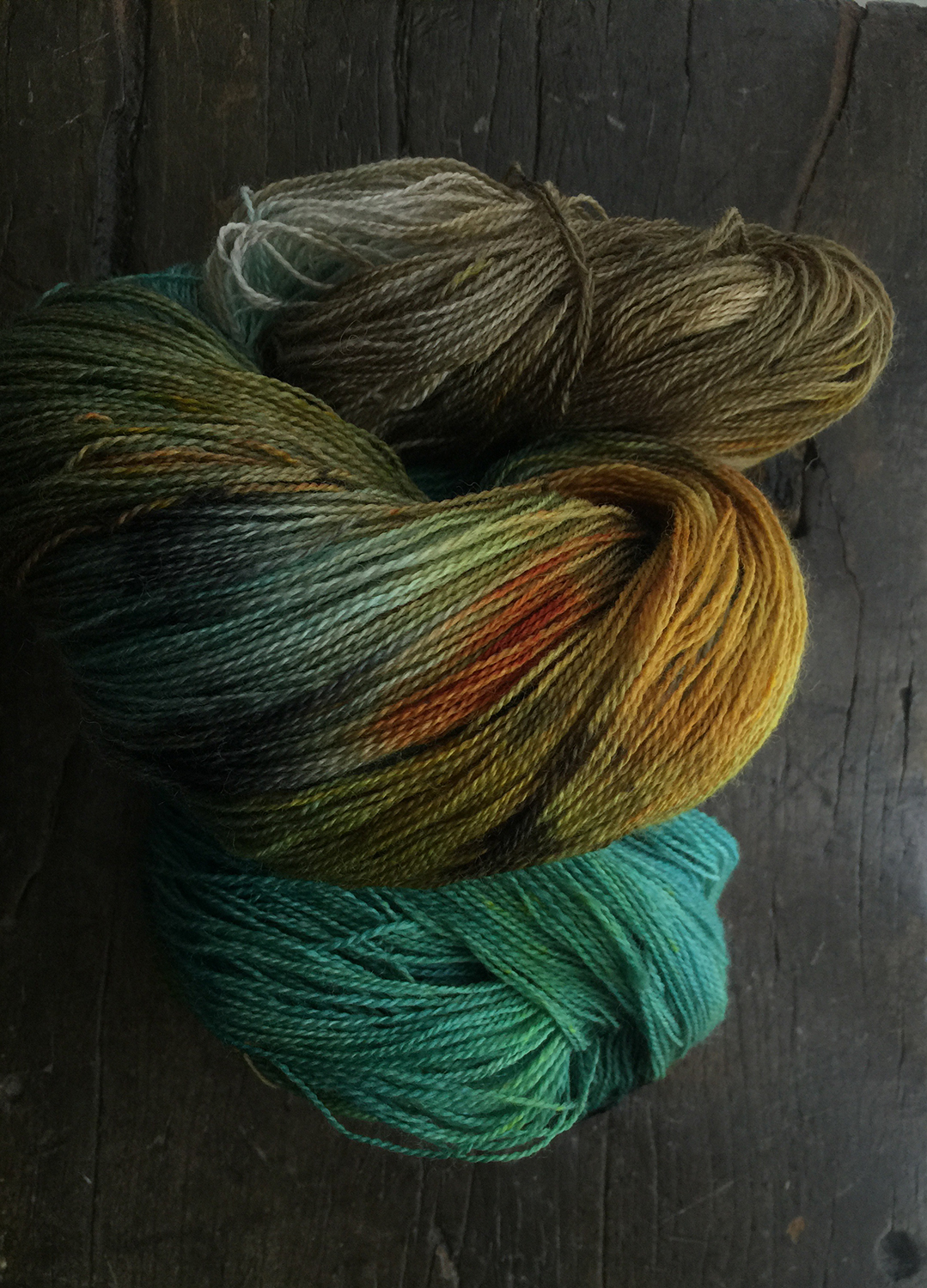
  1. Get some yarn (easy, right?) and some Kool Aid packets. I used 100% Alpaca from Alpaca Acres here in Ontario – the softest and most luxurious stuff you can imagine :) Natural fibre is important because the dye won’t take on acrylic or other synthetic yarns. For Kool Aid I used 3 packets of Lemon-Lime and one package of… Blue. I think it was called Ice Berry.Dying yarn with Kool Aid

  2. Using a kitchen scale I measured my skein into 10 gram hanks, which I retied very loosely. If you don’t have a scale you can guestimate it – just divide the yarn into 5-6 equal parts.
  3. Pour all the Kool Aid into a pot filled with water, put it on the stove and put all the yarn hanks into it. Start bringing it to a slow simmer. Set a timer for 5 minutes. dying yarn with Kool Aid
  4. After 5 minutes pull out one hank – this will be your lightest one. Set the timer for 5 minutes again. As a guideline, every 5 minutes you’ll take out one more of your mini-skeins. The result was that I had a nice gradient from ones that had been in the shortest time to my last hank – which was in for a full 40 minutes.  I say a guideline only, because you really need to do a visual check to see if enough dye has been absorbed, and adjust your time accordingly.
  5. Wash each skein gently in a mild wool wash or mild soap as it comes out, to wash away excess Kool Aid. I used Soakwash – the patron saint of all my yarn projects :)

dying yarn with Kool Aid

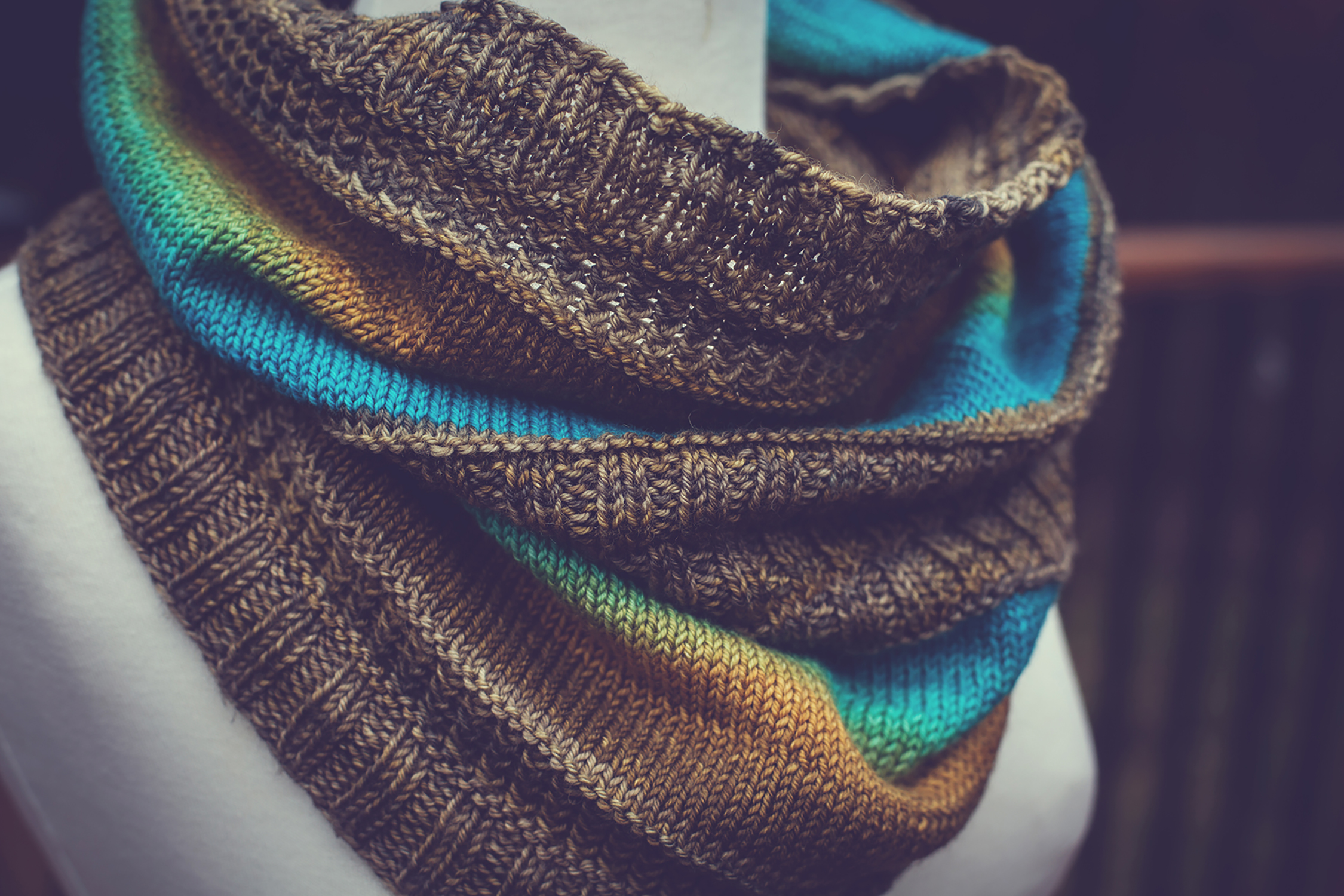
I was very happy with my results, and set about making an adult version of the Little Fair Isle Hat. I cast on the same amount, but on 4.5 mm needles and I added quite a bit of length to it, for a slouchy hat.

dying yarn with Kool Aid

For fun I wound all the leftover yarn together.

dying yarn with Kool Aid

It’s colourfast, even though I didn’t use vinegar to help set it. Apparently Kool Aid is so acidic that you don’t need it.

dying yarn with Kool Aid

I love the results :) Especially on the hat!

dying yarn with Kool Aid

Here is a great tutorial from knitty.com if you want to read more on it, and if you take a crack at dying I’d love to see photos!


I couldn’t resist.

I’ve been seeing these all over the net, I had to make one for myself :)

‘Photo-take-outter’ Friday – Issue #2 – The Vertical Panorama

For Issue #2 I wanted to try out something a little more techy. I’ve been having to do a lot of architectural shooting lately, so this technique was on the front burner for me and I thought I’d share it :)

As an architectural photographer I often find myself needing to prepare vertical panoramas for marketing purposes. Generally folks want straight lines and lots of sky to work with, so I take my 4 shots to encompass everything from the ground to the sky. Easy, right?

The problem with a vertical panorama is that, unlike a horizontal one, sometimes the distortion can be so extreme that the algorithm Photoshop uses for PhotoMerge starts to choke and splutter like someone who’s just discovered the hard way that the milk went bad.

As an example of just how lousy this can look I give you a tragic example. Behold, the working files:

I ran these 4 through Photoshop’s PhotoMerge function, on the default settings, and this is what I got:

Correcting a vertical panorama

Yikes! I feel sick just looking at it. Incidentally yes, that is the French Maid, and yes I had very good reasons for taking pictures in front of it. Here is a neat little trick that will help you fix a shot like this one.

In Photoshop, go to your file menu > Scripts > Load files into stack

Choose your source files. This will load all of your images into separate layers on one PSD file.

Look at your layers palette. In my case the file on the top layer is the first shot I took – the one at ground level, where distortion is minimal.

I want to preserve the perspective on this shot – so in my layers palette I lock that layer.

Now I go back to my file menu Edit > Auto Align layers

And voila! The lock forces Photoshop to respect the perspective on the ground level photo, and it collects the distortion to the top instead of the bottom. Makes me wish I had a real life ‘respect my perspective’ button ;)

It doesn’t look quite right, so from here you go Edit > Auto Blend layers:

Much better…

It still looks like a bad trip, but with a little cropping and some work with the free transform tool you’re done!

And that’s how you prepare a file where you need to stitch shots that have a drastic perspective shift. Horizontal or vertical (it’s a more common problem with vertical) all you have to do is lock the layer that has the perspective you want to maintain and then align the layers. It’s simple and very handy :)

Did you guys enjoy this? Was it helpful? Too techy? Are you utterly uninterested in non-craft posts? Should I feature less technique and more artsy photography? Photo-take-outter Fridays is still in it’s infancy and I’d definitely value feedback on the posts so I can provide more of what folks are looking for!

The Blue Brick is on Craftsy!

Craftsy is starting to sell patterns, and the Blue Brick pattern store is ready! Only 4 patterns are up so far but I’m looking forward to building a fun collection :)

the Blue Brick Patterns

Crochet hoodie blanket – free pattern!

Reblogged from The Blue Brick | Photography and Handcrafts by Shireen Nadir:

Click to visit the original post

  • Click to visit the original post

In response to a few emails, here is the pattern for my hoodie baby blanket - Please email me if you have any trouble with the directions – this is my first take at writing a pattern so it might be kind of sloppy =o) I even had the courage to add this to Ravelry! Any feedback will be greatly appreciated. **UPDATE** My apologies to everyone for a major oversight in the pattern. The directions on how to begin the hoodie section were missing. I have uploaded a new pdf to both the download link and to …

To anyone making the Baby Blanket hoodie – please check back to the post for a new download link correcting a major error in the pattern. My apologies for the oversight, and thank you to Turquoise for pointing out the problem to me!

Next Page »


Follow

Get every new post delivered to your Inbox.

Join 70 other followers